
The home office is the room with the trickiest brief in the house. It needs enough natural light to feel alive, but not so much that a screen becomes unreadable by mid-morning. It needs privacy for video calls without turning into a bunker. It should look calm and professional on camera, and personal and comforting the rest of the day. And it has to solve all of that on windows that were almost never designed with a desk in mind.
The right window treatment does the balancing act quietly. It cuts glare on the screen at the worst hour of the day, preserves the daylight that keeps focus and mood up, and adds the polish that turns a spare bedroom into a working space you actually want to sit in. This guide covers how to think about home office windows, the specific problems they cause, and the treatments that solve them without sacrificing the light in the process.
Why the home office is different
Most rooms are treated for people looking outward: at the view, at the garden, at the light coming in. A home office is treated for someone looking at a fixed vertical surface, usually about arm’s length away. That flips the priorities. Anything reflected or backlit onto that screen becomes the biggest problem in the room, and any treatment that darkens the whole space to fix it creates a second, worse problem.
The goal is precision. Direct sun and its reflections need to be intercepted at the window, while the ambient daylight that lifts the rest of the room stays as intact as possible. Blockout is rarely the answer. Light control, tunable through the day, almost always is.
The four problems a home office window has to solve
1. Screen glare
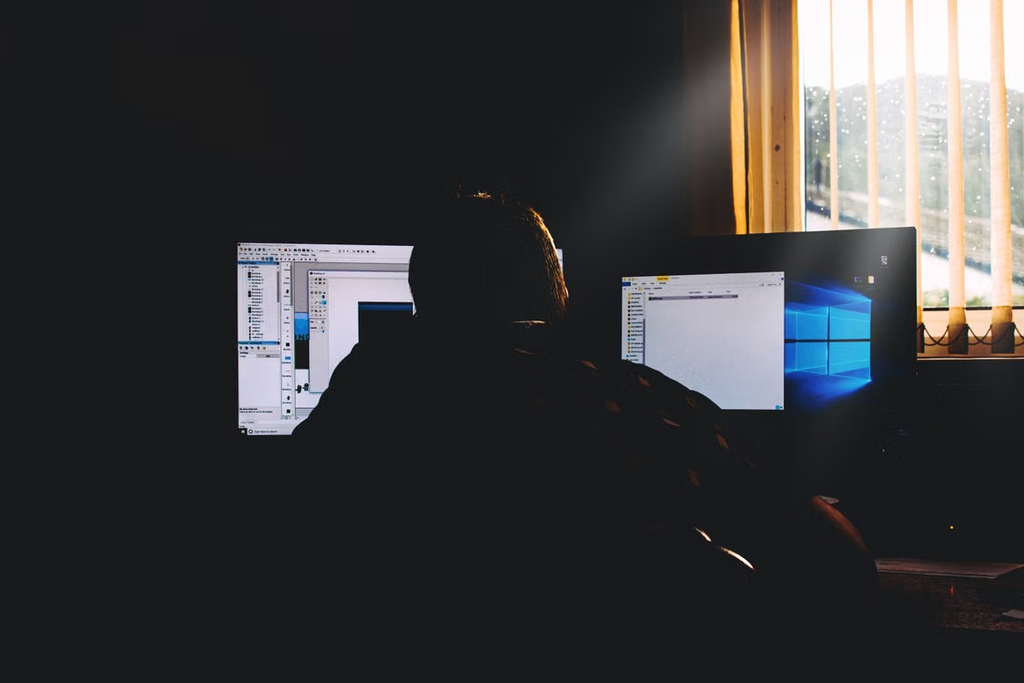
Direct sunlight on the monitor is the classic complaint, but reflections are the sneakier issue. Even a window behind you can bounce light off the screen and wash out contrast, especially with glossy displays. A good treatment addresses both: it dims direct light from windows in front of the desk, and reduces reflected light from windows behind.
2. Camera light on video calls
Windows behind you will silhouette your face on camera. Windows to the side will light one half of your face and shadow the other. The window in front, filtered softly, is what you want, and it is often the one treatment that people never get quite right. Filtering the front window with a translucent fabric while dimming the ones behind is the fastest way to look professional on any call.

3. Focus and mood
There is real science behind natural daylight and cognitive performance. Working next to a window with a decent view of the sky measurably improves alertness, mood and sleep quality later that night. Any treatment that shuts out the sky for the sake of solving glare is trading one problem for a bigger one.
4. Privacy for the working day
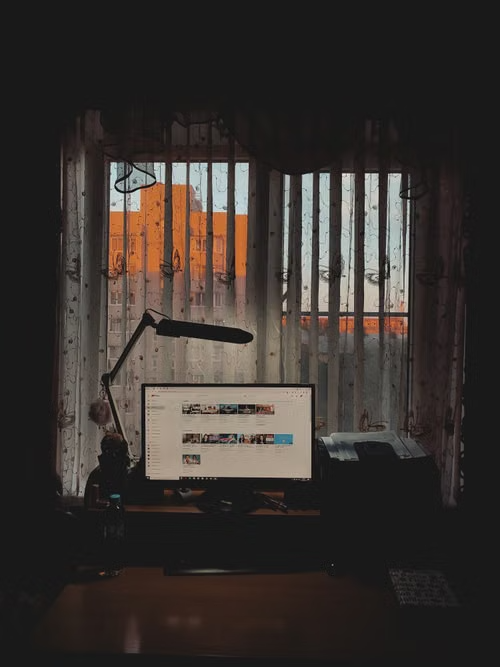
Home offices facing a street, driveway or neighbouring windows need day privacy so passers-by cannot read screens or watch the room. This is a different problem to bedroom privacy, since it lasts the whole working day and needs to hold up while you are still trying to see out.
The strongest window treatments for a home office
Solar and screen blinds
Solar screens are the workhorse of the home office. They filter direct sun and cut up to 95 per cent of UV while preserving the view through the fabric, so the room stays connected to daylight while glare is knocked out. Openness factor matters here: a 3 to 5 per cent openness is a sweet spot for most desks, giving strong glare control without darkening the room. Openness factor is easily explained by a supplier with samples.
Sheer curtains
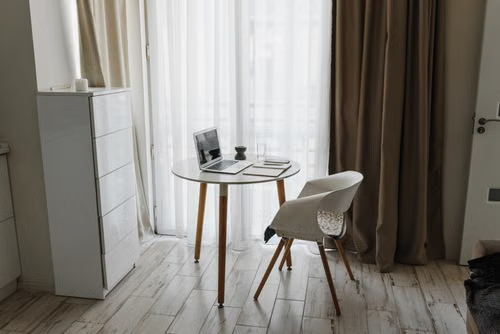
Sheer curtains diffuse harsh light beautifully and give a home office a warmer, less clinical feel than blinds alone. They are especially good on the window in front of the desk, where they turn direct sun into flattering, even illumination for both the room and the camera. Sheers on their own suit rooms with excellent daytime privacy; combined with a solar screen behind, they solve almost every home office lighting problem in one setup.
Dual roller blinds
A dual roller pairs a translucent screen fabric with a blockout on a single bracket. It is a tidy answer for home offices that occasionally double as a guest room or a video-recording space where full blackout matters. Everyday operation stays on the translucent layer; the blockout only comes down when the situation calls for it.
Plantation shutters
Shutters give something no fabric treatment can match: tilt control. Angling the louvres upward lets you push light onto the ceiling to bounce back down as soft ambient fill, while blocking the direct sun that would otherwise hit the screen. That kind of surgical light control is why shutters are so popular in professional-looking home offices, particularly in period homes where fabric blinds might feel out of character.
Honeycomb (cellular) blinds
Honeycomb blinds add genuine thermal performance to a home office, which matters more than expected in rooms that hold two or three people, a workstation and a printer through the day. Top-down bottom-up honeycombs are especially useful: cover the lower half of the window for privacy from the street while leaving the top open for sky light onto the ceiling.
Match the treatment to your desk orientation
Where the desk sits relative to the window changes the right answer more than the orientation of the house does.
- Desk facing the window. You get the best camera light but the worst potential glare. Solar screens or sheers on the window in front, adjusted through the day, are essential.
- Desk with the window behind. This is the worst set-up for video calls. If you cannot move the desk, a translucent fabric that softens the backlight into a diffuse glow, rather than blocking it entirely, gives the most flattering result on camera.
- Desk with the window to one side. Side light causes uneven face lighting on video calls. A treatment you can adjust through the day, such as a shutter or a solar screen on a chain, lets you dial in even lighting as the sun moves.
- Multiple windows in one room. Treat each window for its own job. The window in front of the desk wants softening; the window behind wants dimming; the window on the wall furthest from the desk can often stay bright to keep the room feeling open.
The case for motorisation in a home office
Few rooms benefit from motorised window treatments as much as a home office. The sun moves through the working day and the ideal position of the blind moves with it. Automating those adjustments removes a small but constant friction, and pairing motors with a sun tracker or a simple schedule keeps light and glare optimal without any thought.
For a two- or three-window office, motorised solar screens on a schedule can transform how the room feels through the day. Combined with a smart home platform, the blinds can even adjust automatically for a scheduled video call so the camera picks up perfect ambient light every time.
Common home office window treatment mistakes
- Choosing full blockout for glare control. Blockout is a last resort. Filtering is almost always the right answer.
- Ignoring the wall behind the desk. Reflected light from a rear window will wash out any screen, and it is completely fixable with a screen blind or sheer.
- Forgetting camera framing. Test the room on a video call before ordering. What the eye tolerates, a webcam does not.
- Treating a corner office as one window. Two windows on adjacent walls need two different treatments, not the same blind repeated.
- Underestimating thermal load. A sunny office with a person and equipment inside will overheat quickly in summer if the glass is unshaded. Solar screens or external blinds pay for themselves in cooling costs.
A working space you actually want to work in
A well-treated home office window works so quietly you stop noticing it. The screen stays readable, the room stays bright, the camera stays flattering, and the temperature stays comfortable across the seasons. The trick is filtering rather than blocking, thinking about the desk as much as the window, and giving each window its own answer. Do that and the space earns the promotion from spare room to genuine office.
At Peninsula Curtains & Blinds, we design and install home office window treatments across the Mornington Peninsula, from single-window guest-room offices to purpose-built studies with a wall of glass and a green outlook. Our free in-home consultation includes a walk-through of desk position, screen glare, camera set-up and thermal load, with samples in the room so you can see how each fabric handles your specific light. Book a consultation and we will help you build a working space you look forward to sitting down at every morning.